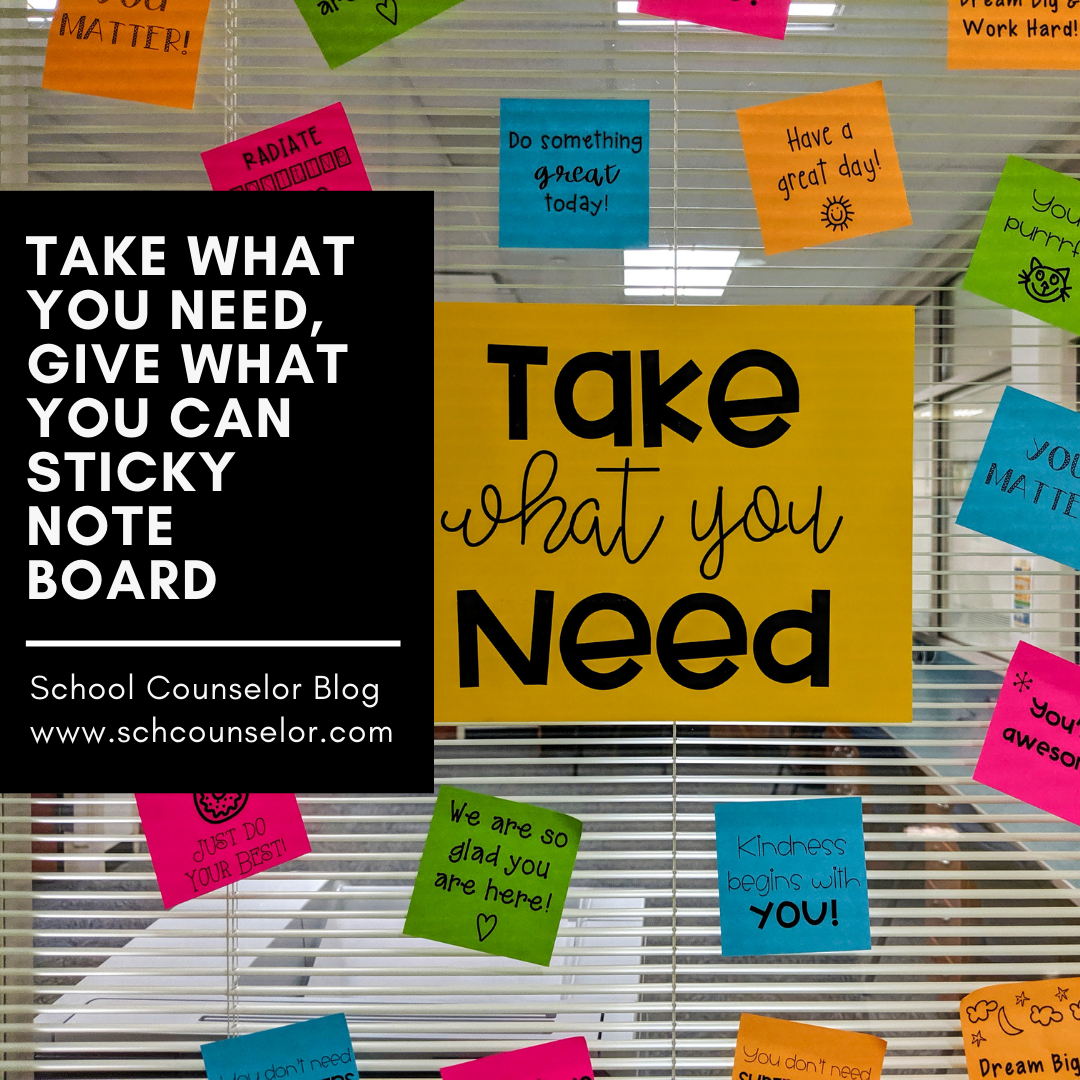
Last year, I saw a lot of "Take What You Need, Give What You Can" Bulletin Boards popping up everywhere. I decided to fuel my new found love of printing on sticky notes and make a sticky note version. The idea behind the "Take What You Need, Give What You Can" board is that you take a positive message that you "need" to hear or "give" (write) a positive or uplifting message for someone else to take. I displayed the "Take What You Need, Give What You Can" sticky note board on a window near the school counseling office. A traditional bulletin board could also be used to display this sticky note board. I created 18 different positve messages to print on sticky notes for the "Take What You Need" side of the board. To make this "Take What You Need, Give What You Can" sticky note board, you will need the following items: A printer Printer paper to print the sticky...
I created this colorful, interactive, spring bulletin board for our March & April PBIS theme, mindfulness. I made this bulletin board interactive for students by adding QR Codes with different mindfulness activities. Since most things need to be touch-less right now, I thought using QR Codes would be an easy way for students to access some mindfulness activities. If you are not familiar with QR Codes, QR stands for Quick Response. QR Codes are scannable with a smart device camera (iPad, tablet, or smart phone). you can easily make your own QR codes by using a QR Code generator. You can link the QR Code to a website or online document. When the user scans the QR Code they will be directed to the link. I used QR Code Generator to create the QR Codes. I got the idea for this bulletin board while looking for mindfulness resources. I stumbled upon a New York Times article about "Pinwheel Breathing." This sent me down a rabbit hole of brainstormin...
Jen, a school counseling intern who graduates in December, gave an organizational skills lesson a creative and interactive spin! Jen wrote: I was running an organizational and study skills group for 7th and 8th grade students during my field experience at a middle school. In this group, each session focused on a different area of organization and studying. In the session where we focused on organizing backpacks and binders, we played a game where students had to race to find a paper in a backpack. I got this idea from the book Creative Approaches for Counseling Individual Children in the School Setting by Diane S. Senn. However, I decided to make it into a racing game between two students to make the activity more interactive and fun. I asked the group for two volunteers to play a game, and then asked the volunteers to each choose a backpack. I explained that they would be racing to look through their backpack to find a piece of paper with an “X” marked on it. Before...