Posts

School Counselor Tech Tip: Google Keep

Image
✨ School Counselor Tech Tip: Google Keep ✨ Google Keep is a web-based platform and app that allows you to organize all of your thoughts, ideas, and to-do's. Check out the post below for optimizing Google Keep as a School Counselor! ✨ Digitize Sticky Notes ✨ Google Keep allows you to digitize anything that you would typically write on a sticky note. Google Keep notes are searchable, sortable, shareable. I have so many ideas recorded digitally as notes in Google Keep. I love that I can put them in Google Keep anytime I come up with a new idea. I love that I can easily search my notes to find what I saved. ✨ Maximize Organization ✨ Organize your thoughts and ideas into notes. Include images, drawings, voice to text, and video. Categorize notes by color coding, tagging, and pining. I probably use the voice to text the most when using Google Keep. Sometimes I randomly have an idea that I want to save. Google keep allows me to voice record ...
Register for "Three Tech Tools to Enhance Your School Counseling Program" Webinar

Image
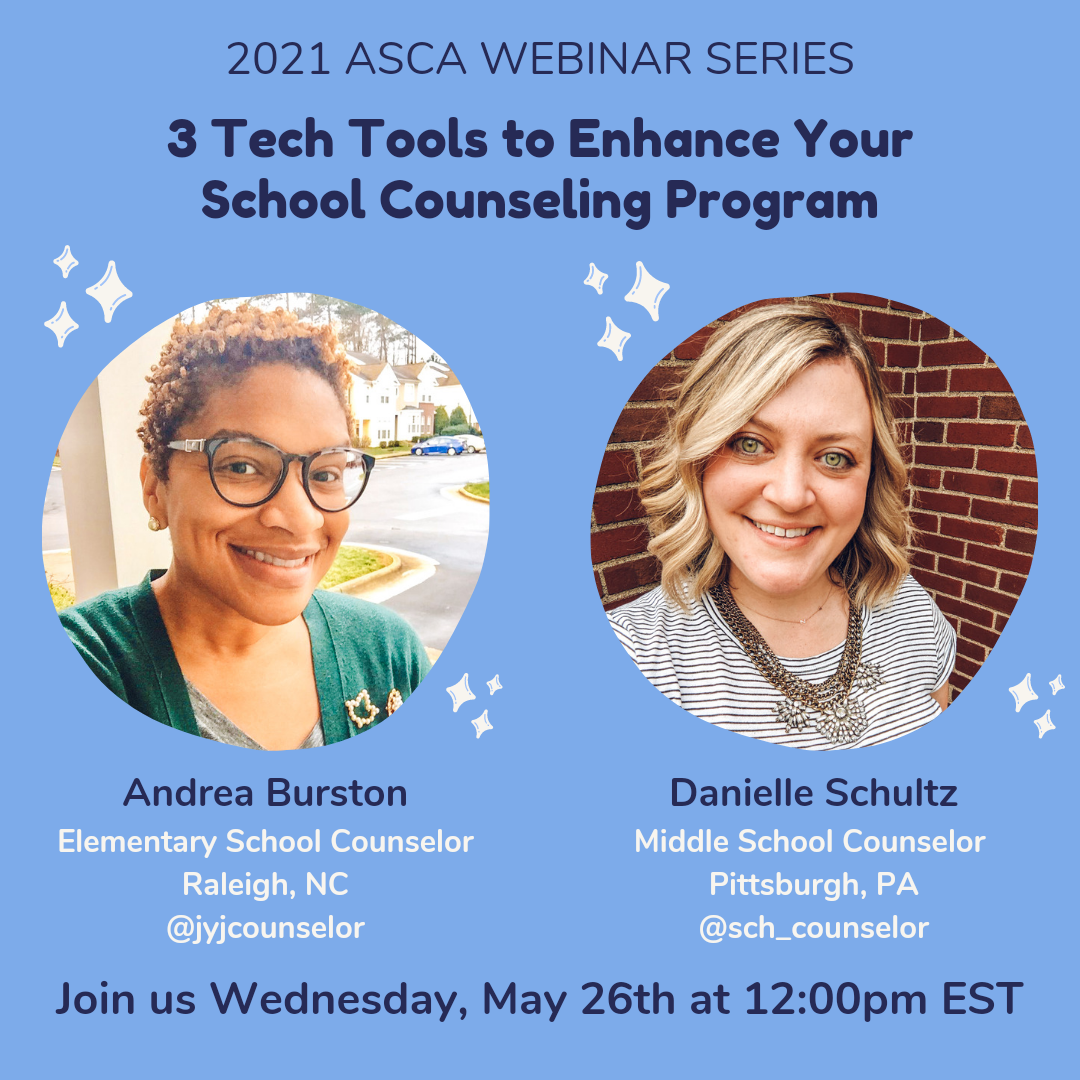
Andrea Burston ( @jyjcounselor ) and I are excited to present Three Tech Tools to Enhance Your School Counseling Program , this Wednesday May 26th at 12:00 PM EST for the 2021 ASCA Webinar Series.  We will share about how you can use Canva for Education, Smore, and Screencastify to connect with stakeholders. For more details and to register, visit the ASCA website:  www.schoolcounselor.org  or use this direct link:  bit.ly/3techtools4sc . All webinars in the 2021 ASCA Webinar Series are FREE if you are an ASCA member. We can't wait to share how you can use these tech tools to enhance your school counseling program and connect with stakeholders! Have you used Canva, Smore, or Screencastify in your work as a school counselor? I love connecting with other school counselors! Connect with me on  Instagram ,  Twitter , or  Facebook . If you have questions, email me or Direct Message me on  Instagram  or  Twitter .   Upcom...

What We Wish We Knew in Graduate School with Andrea Burston and Danielle Schultz

Image
Andrea Burston and I recorded a YouTube video about What We Wish We Knew in Graduate School. We thought other school counseling graduate students and future school counselors might benefit from hearing us talk about the following tips and information about: 🎓 Making the most of internships 🎓 Interviewing for school counseling positions 🎓 Starting out as a new school counselor 🎓 What we have learned along the way Check out our video and tell us what you think! This is our first attempt at recording conversations about topics relevant to school counselors. We would love to hear your suggestions and ideas for future topics!  If you want to submit a question or topic, share a video recording here: www.speakpipe.com/SCquestions . Your question or topic may be featured in a future school counselor conversation between Andrea Burston and me. I love connecting with other school counselors! Connect with me on  Instagram ,  Twitter , or  Facebook . Upcoming Events: Andrea...

School Counselor Tech Tip: Stickies for Mac

Image
✨ School Counselor Tech Tip: Stickies for Mac ✨ Stickies is a digital sticky note application for your Mac. Stickies have lots of features school counselors can utilize.  Check out the post below for optimizing stickies on your Mac!  ✨ Digital Notes & Reminders ✨ Use stickies to write notes and reminders. Stickies are restored when the application is restarted. Stickies are a great, easily accessible way, to write a digital note or reminder. If you need to write a quick note or reminder and don’t have access to the Internet or a pen and paper, stickies are a great option! ✨ Important Information ✨ Use stickies for important information and/or phone numbers. This important information will be accessible even when there is no access to the Internet. Use stickies to record important information and phone numbers. I store important phone numbers such as Child Protective Services and a local crisis number in stickies. It is helpful to have th...

Three Tech Tools to Enhance Your School Counseling Program for the ASCA Webinar Series

Image
Andrea Burston ( @jyjcounselor ) and I are excited to announce we are presenting "Three Tech Tools to Enhance Your School Counseling Program," for the ASCA Webinar Series on May 26th at 12pm EST.  We will share about Canva for Education, Smore, and Screencastify.  For more details and to register, visit the ASCA website: www.schoolcounselor.org or use this direct link: bit.ly/3techtools4sc . We can't wait to share how you can use these tech tools to enhance your school counseling program and connect with stakeholders! Have you used Canva, Smore, or Screencastify in your work as a school counselor? I love connecting with other school counselors! Connect with me on  Instagram ,  Twitter , or  Facebook . If you have questions, email me or Direct Message me on  Instagram  or  Twitter .   Upcoming Events: Andrea Burston  and I are hosting an ASCA Webinar -  3 Tech Tools to Enhance Your School Counseling Program  on...

Gratitude Jar Bulletin Board

Image
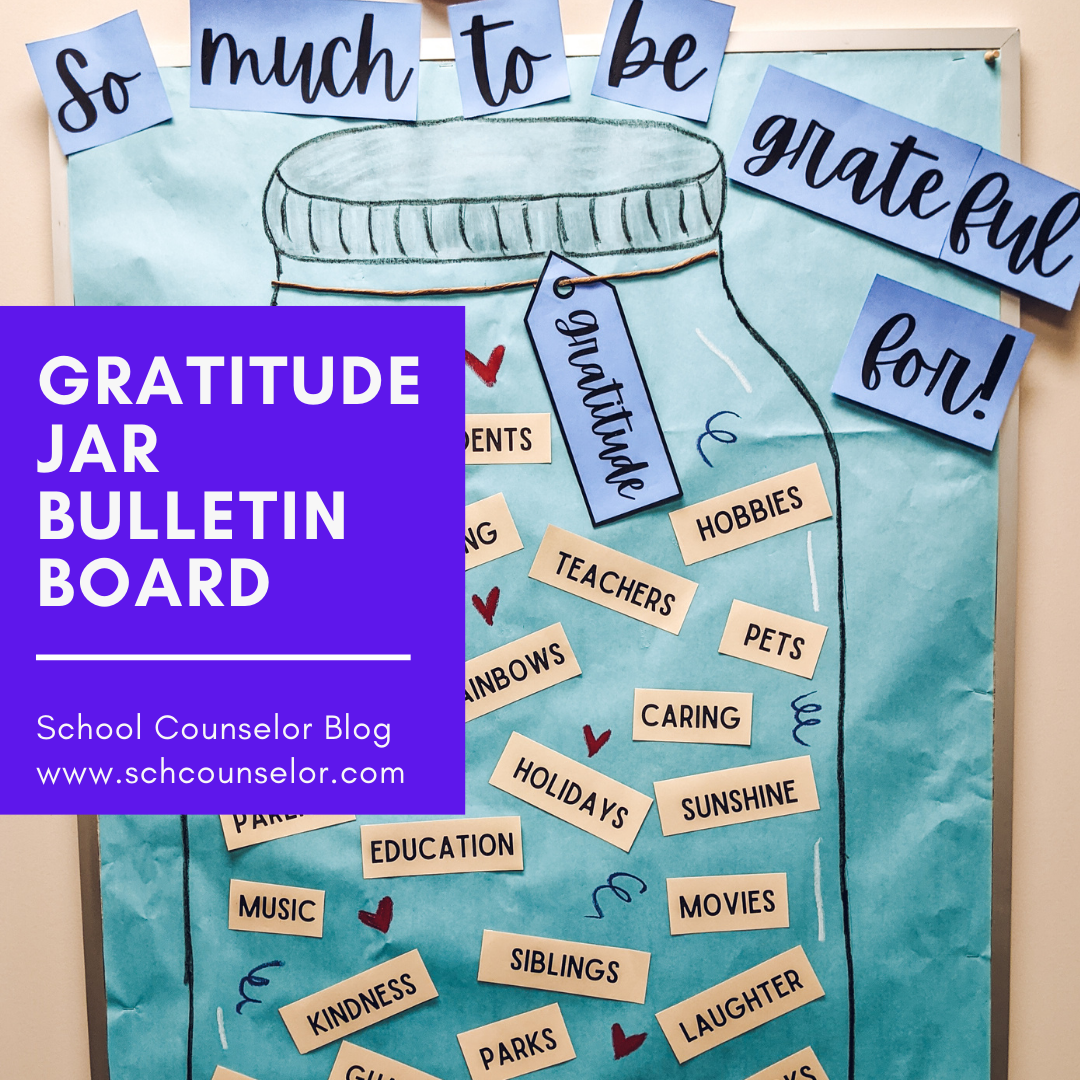
Our PBIS monthly theme is gratitude. While I was brainstorming a bulletin board idea, I stumbled upon an image of a gratitude jar in Canva . I decided to create it as a bulletin board. This gratitude jar bulletin board was super easy to put together. I added things to be grateful for, such as… ✨ Friends ✨ Family ✨ Teachers ✨ Education ✨ Hope What else would you add?  You can get a copy of the words for this bulletin board here or by clicking on the image below.  I got a little carried away and made my jar too big for the space. I could barely fit the words - "So much to be grateful for!" - but I'm so happy with how it turned out. I used Crayola Slick Stix to draw the jar and the accents (hearts and squiggles). I have used them for years. I love how  Crayola Slick Stix  write like a marker but look like a crayon. I linked  Crayola Slick Stix  in my Amazon store under favorite bulletin board supplies, in case you want to...

Group Tabs: School Counselor Tech Tips

Image
Google Chrome has an option to group tabs ! On a Mac, you control click on any Chrome website tab to get a drop-down menu. You can create a name for a group of websites. You can even color code your tab!  Check out the post below for tips to optimize grouping tabs! ✨ Visited Daily ✨ Easily access frequently visited websites by grouping them in a "daily" category. I group my course management system, student instructional options, and other frequently used websites into a "daily" tab. It is so convenient to have all of my most used websites easily accessible. ✨ Organized Tasks ✨ Create a tab group for websites needed for different tasks or projects. Each Tuesday, I send out office hour emails to students and families for our asynchronous day. I have a tab with teacher Zoom links and office hours sign ups. This allows me to have everything I need to send out emails. ✨Prepared for Meetings ✨  Facilitate your v...